Blog· 4 min read
Your imported passwords now fill themselves in
Stoic Browser 1.1 fills saved logins on their own site, including forms that load late, and a right-click lets you switch accounts and keep that choice.
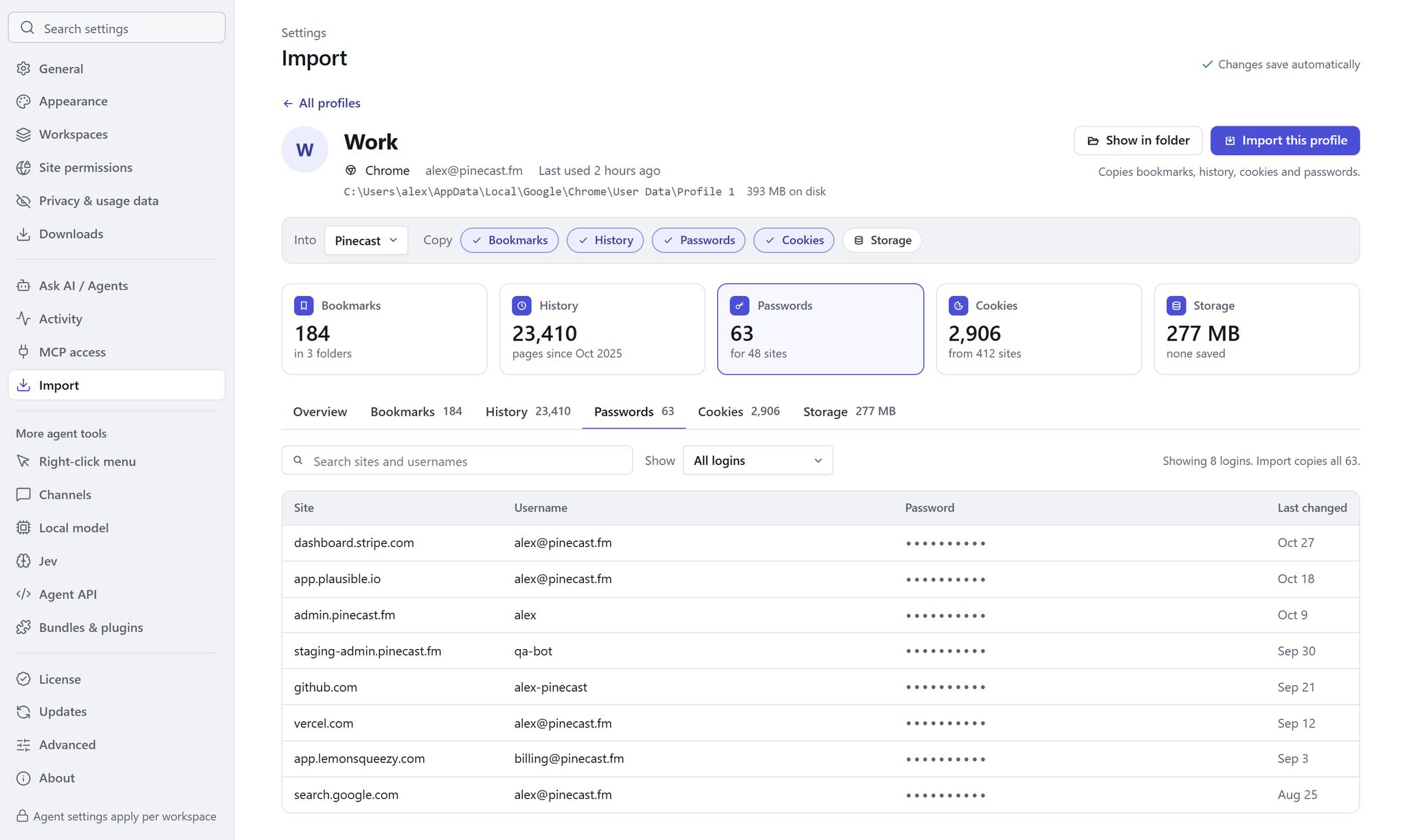
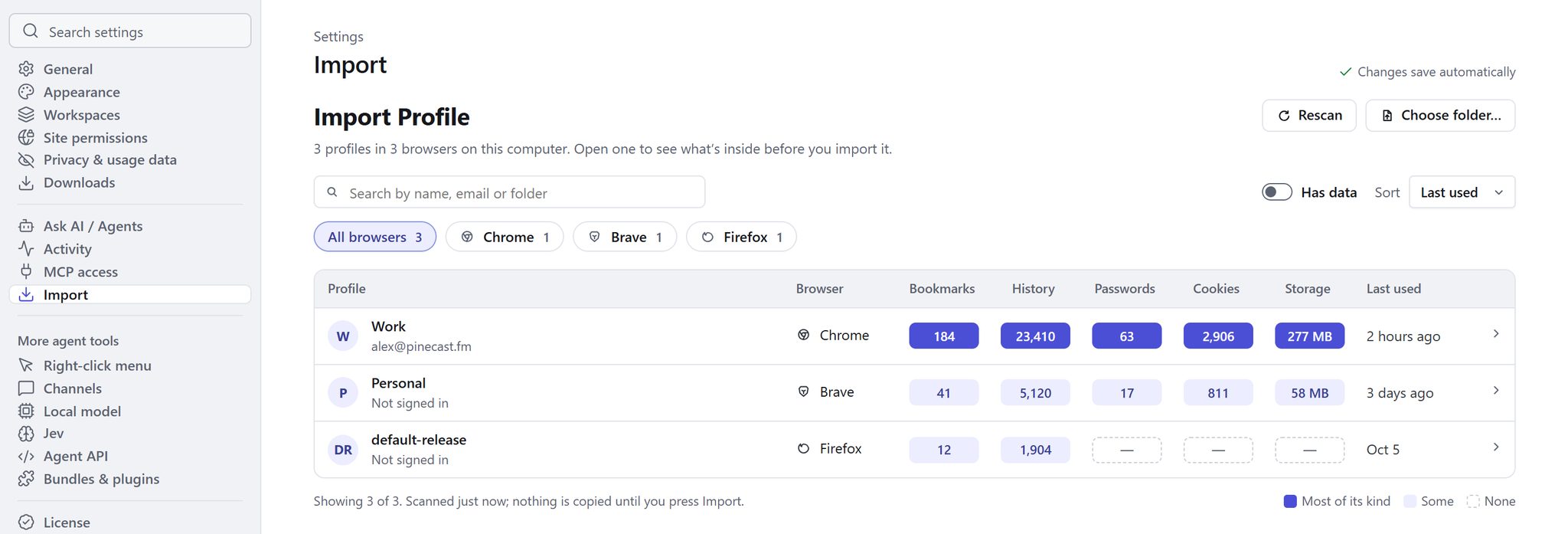
You moved to Stoic Browser and brought your passwords with you. The import finished, the logins are there, and then you open the first site you need and face an empty login form. The passwords were saved, but they just sat there. To use one you went looking for it, copied the username, copied the password, and pasted both, once per site, every time a session expired.
That's the gap between "my passwords came with me" and "my passwords work." On a browser you live in all day, with workspaces full of dashboards, admin panels and SaaS tools that each want you signed in, the gap shows up dozens of times a week.
What changed
Stoic Browser 1.1 closes it. Saved logins now fill in on their own site, so a login form you've used before is already filled when the page opens. When a site has more than one login, a right-click lets you pick a different one, and Stoic Browser remembers that choice for next time.
How it works in practice
Open the page, and the login is already there
When a page has a login form, Stoic Browser fills in the saved login for that site. You press the sign-in button and you're in.
It also handles forms that turn up late. Many sites draw their login form a moment after the page loads, or swap the username and password fields in and out as you go through the steps. Stoic Browser keeps watching the page and fills the form when it appears, so a slow single-page app gets filled just like a plain HTML form.
It fills a login only on the exact site it was saved for. A login saved for one address isn't offered to a look-alike domain or to a page embedded inside another site, so your credentials stay with the site they belong to.
The login you actually use comes first
Most people have a site or two with several accounts: a personal and a work Google account, a staging and a production admin, a client's dashboard next to your own. Stoic Browser fills the login you used last on that site. Right after an import, that's the one your old browser preferred, so the first fill matches what you're used to.
Switch accounts with a right-click
When you need a different account, right-click the page. The menu lists that site's saved logins as Fill Saved Login, each with its username. Pick one and Stoic Browser fills it in.
The login you pick becomes the default for that site. If you switch your staging admin to a different account once, Stoic Browser fills that account next time, and you don't have to pick it again.
Pages that are already open catch up
You don't have to reload everything after an import. Pages that were already open pick up the imported logins as soon as the import finishes, so the tab you were about to sign in to gets its login without a refresh.
Before vs After
| Step | Before 1.1 | With 1.1 |
|---|---|---|
| Open a site you have a login for | Empty form | Form already filled |
| Site with several accounts | Find the right one and copy it in | The last one you used is filled; right-click for the others |
| Switch the default account for a site | Not possible | Pick it once from Fill Saved Login |
| Login form that appears after the page loads | Copy and paste by hand | Filled when it appears |
| Tabs open during an import | Reload or copy by hand | Pick up the logins when the import finishes |
Also in 1.1
- StoicSoft bundle keys. A key from a StoicSoft bundle starts with
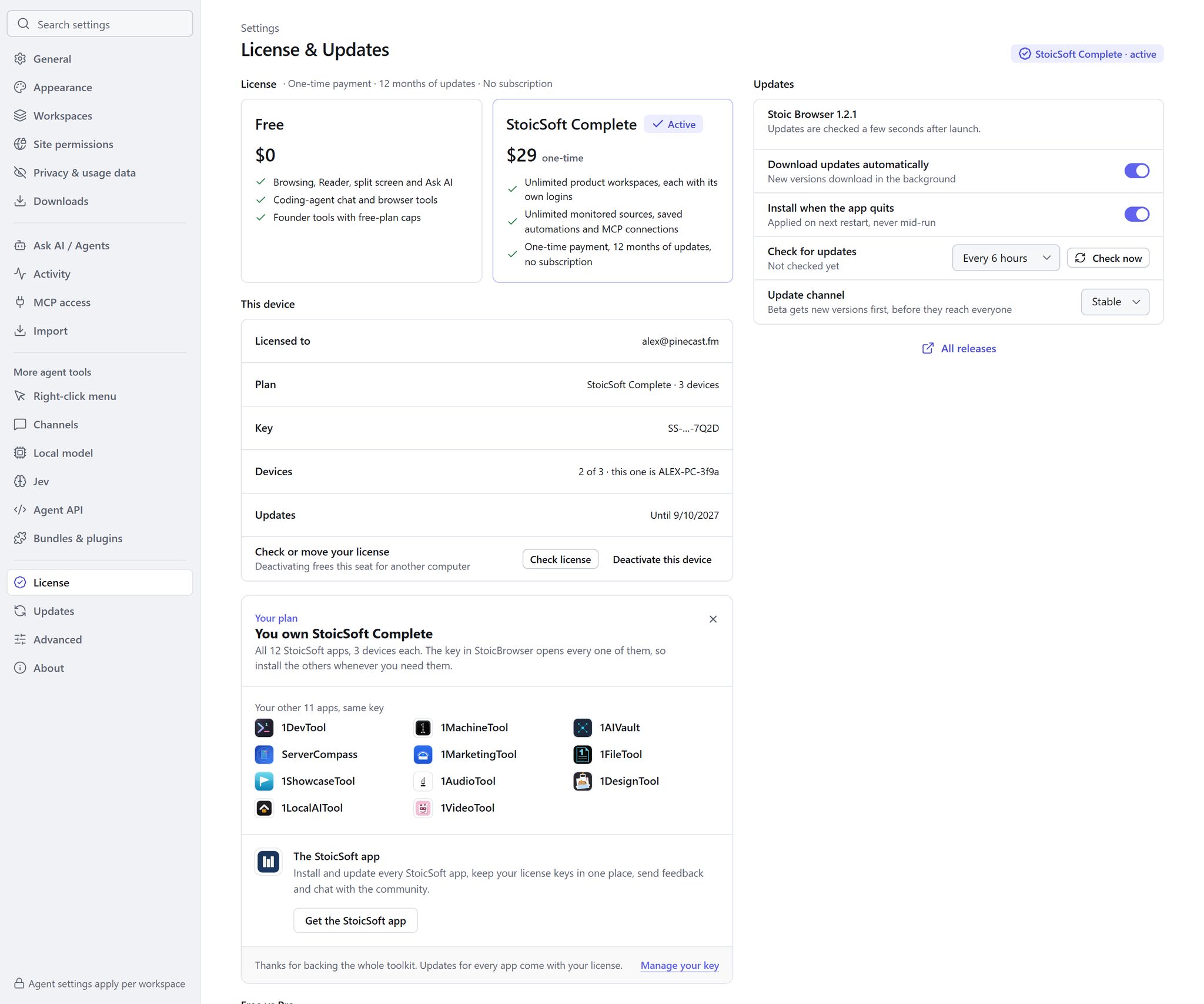
SS-and goes in the same key field in Settings › License & Updates. It turns on Pro here and in every other app in the bundle, and the page names the bundle your key comes with. Lemon Squeezy keys work as before. - Faster menus on macOS. Menus and popovers such as the … menu open right away instead of waiting behind the page.
- No more auto-capitalization on macOS. Text you type into web pages is no longer capitalized for you, so usernames, search terms and code come out as you typed them.
Who benefits most
- People who switched from another browser. Your imported passwords now do what they did in your old browser, with no copy and paste.
- Anyone juggling accounts on one site. Staging and production, personal and work, your account and a client's: the last one you used is filled, and the others are a right-click away.
- Workspace-heavy users. When a workspace opens a dozen pinned tools and half their sessions have expired, each one now needs only a click on its sign-in button.
Try it
Update to Stoic Browser 1.1, open a site you have a saved login for, and the form will already be filled. Right-click the page to switch accounts.