Free
Included. Automations a bundle adds count toward Free's 1 saved automation.
FeaturesBundles and personas
From outside the window
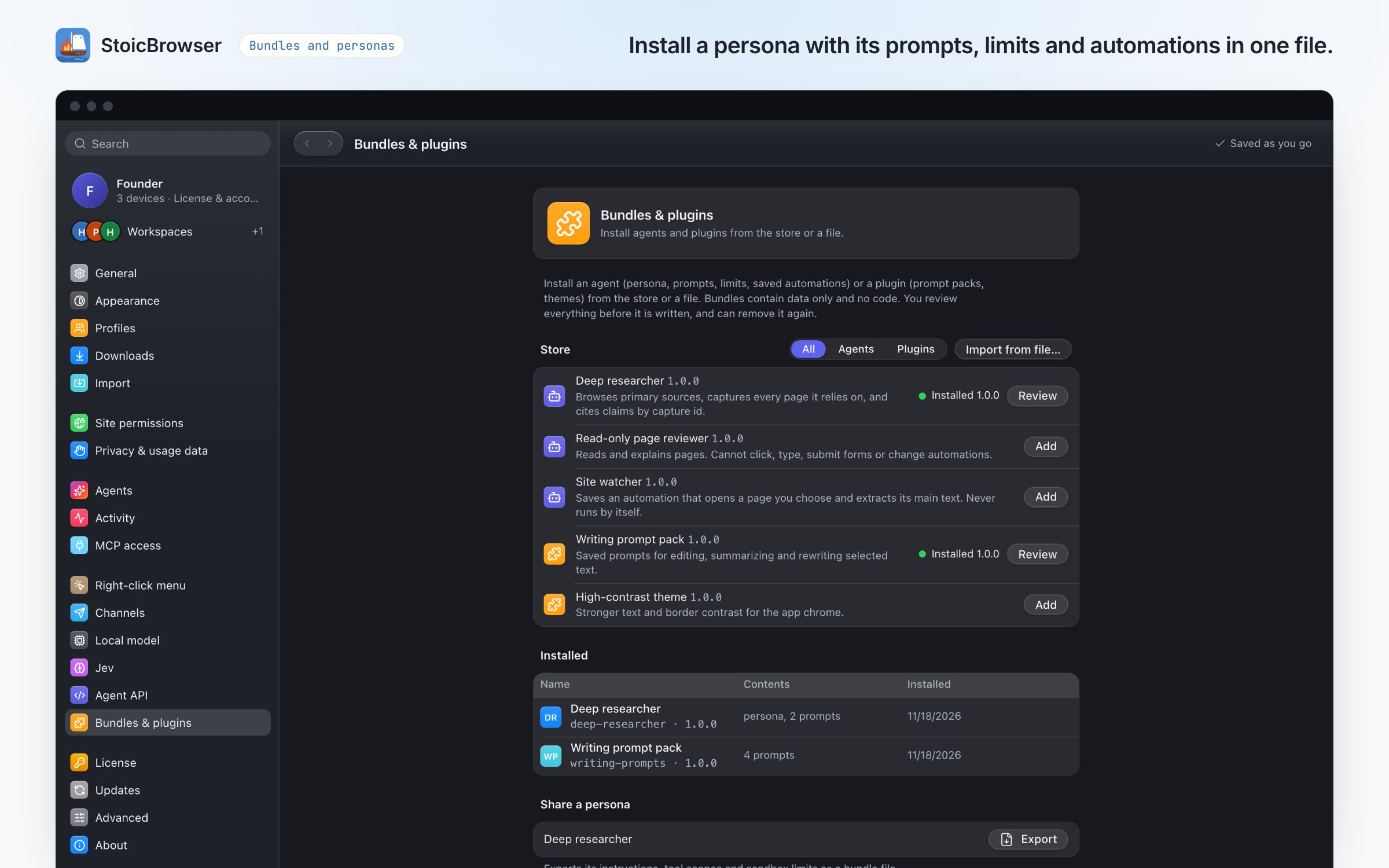
A bundle packs a persona's instructions, saved prompts, tool limits, up to ten automations and a few setup questions into one file. Plugins add prompt packs or a theme. Bundles hold data only, so installing one cannot run code. Five come built in.
A persona, saved prompts, tool scopes and sandbox limits, up to ten automations and up to eight setup questions.
Prompt packs and a theme that may set only a fixed list of colors.
No code, no scripts and no network access, so installing one cannot run anything. A bundle is at most 512 KB.
Deep researcher, Read-only page reviewer, Site watcher, Writing prompt pack and High-contrast theme.
Export a persona's instructions, tool scopes and sandbox limits as a bundle file.
Included. Automations a bundle adds count toward Free's 1 saved automation.
Included.
Works on macOS 14 or later.
Works on Windows 10 and 11.
Something missing? Write to hello@stoicsoft.com.
A bundle is data only: no code, scripts or network access. It can still add a persona with instructions and automations, so review it before you install, as the app asks you to.
It saves an automation that opens a page you choose and extracts its main text. It never runs by itself until you schedule it.
Yes. Share a persona exports its instructions, tool scopes and sandbox limits as a bundle file.
Free for 2 workspaces. No account needed. macOS and Windows.
Download Stoic Browser