Free
Included: browsing, Reader, split screen and Ask AI.
FeaturesEveryday browsing
Everyday browsing
Simple mode keeps Stoic Browser to tabs, Reader, split screen and Ask AI. Full mode adds the workspaces rail, agents and the founder tools. Either way you get dark mode for any site, find in page, history, downloads, screenshots and a right-click menu you can program.
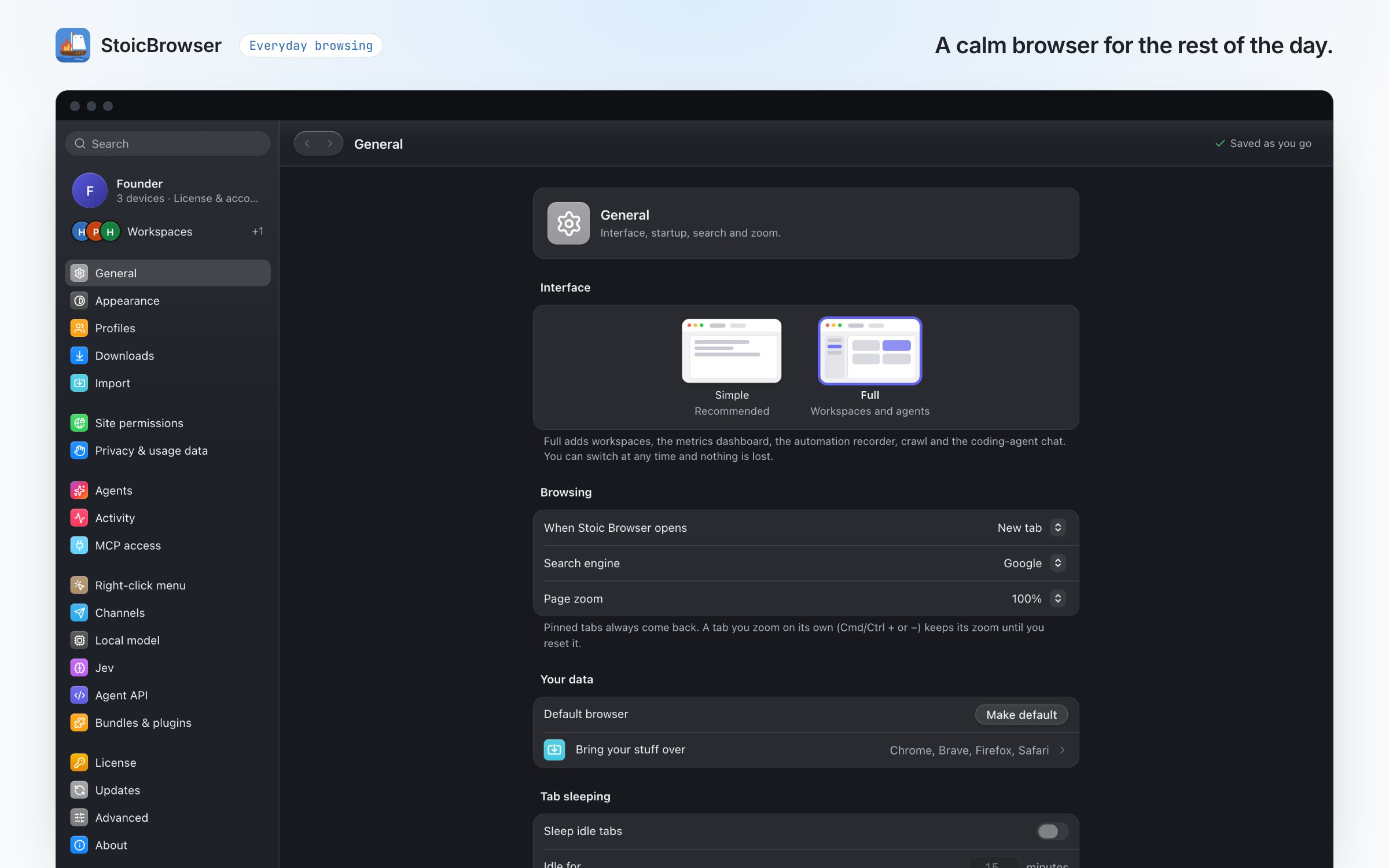
Simple is tabs, Reader, split screen and Ask AI. Full adds workspaces, agents, automations and the command center. Switch any time.
Reader, Website dark mode for any site, find in page and zoom per tab or for all tabs.
Tabs on top or in a column beside the page. Idle background tabs sleep; pinned, visible, playing and agent tabs stay awake. Since 1.8.0 a loading tab shows a spinner in place of its icon, and a thin line in the address field tracks the page.
Capture window, Scroll capture and Full page capture.
Build menu items from a trigger, steps such as template or translate, and an output such as a chat, copy or opening a URL.
Google, DuckDuckGo, Bing or Brave.
Included: browsing, Reader, split screen and Ask AI.
Included.
Uses the system's WebKit engine on macOS 14 or later, one download for Apple silicon and Intel.
Uses Microsoft Edge WebView2 on Windows 10 and 11; it is installed if missing.
Something missing? Write to hello@stoicsoft.com.
Yes. Choose Simple mode: tabs, Reader, split screen and Ask AI, with the rest out of the way until you switch to Full.
No. Stoic Browser uses the system's own engine, WebKit on macOS and WebView2 on Windows, and does not load Chrome extensions.
Yes. Tabs can sit in a column beside the page instead of along the top.
Not today. There is no built-in ad or tracker blocker.
Free for 2 workspaces. No account needed. macOS and Windows.
Download Stoic Browser