Why does Google say "This browser or app may not be secure"?
Updated 23 Nov 2026
The short answer
Google shows it when the sign-in page seems to be inside an embedded browser, a browser run by automation software, or a browser it can't verify. Sign in from a regular, up-to-date browser with JavaScript on and automation tools closed. When an app embeds its own browser, only the app's maker can fix it.
The usual causes
The page is inside another app
Desktop apps that bundle a browser engine of their own, as many Electron apps do, often get this message. Google can't tell the embedded page from one a phishing app put there.
How to tell It happens in one app only, and the same account signs in fine in Chrome, Safari, Edge or Firefox.
Automation software is driving the browser
Browsers started by test or automation tools, such as Selenium, Puppeteer or Playwright, are refused at Google's sign-in page.
How to tell You started the browser from a script, or from a tool that lets an AI agent control it.
JavaScript is off, or the browser is out of date
The sign-in page needs JavaScript, and Google declines browsers it doesn't support.
How to tell Other Google pages look broken too, or the browser hasn't updated in a long time.
An extension changes the page
Extensions that rewrite pages or change how the browser identifies itself can make the sign-in look unsafe.
How to tell It started after you installed an extension, or it works in a private window.
Sign in anyway
Work through these in order. Most people are done after the first step.
Try a regular browser. Open accounts.google.com in Chrome, Safari, Edge or Firefox and sign in there. If that works, the account is fine and the problem is the app or setup you were using.
Update the browser and allow JavaScript. Install the latest version of your browser. In Chrome, check Settings → Privacy and security → Site settings → JavaScript and make sure sites may use it.
Close automation tools. Quit any test runner or agent tool that started the browser, then open the browser yourself and sign in.
Rule out extensions. Try the sign-in in a private window, where most extensions are off. If it works there, turn your extensions back on one at a time to find the one that causes it.
Inside an app, use its browser sign-in. If the message shows up inside a desktop app, look for an option to sign in through your default browser instead. If the app has none, write to its maker.
The same job in Stoic Browser
Stoic Browser 0.x was an Electron app and ran into this message. Version 1.0 rebuilt it on the engine your system already ships, WebKit on macOS and Microsoft Edge WebView2 on Windows, and Google sign-in works there.
Gmail, Calendar, Analytics, Search Console and "Sign in with Google" buttons open normally, in every workspace.
Each workspace has its own session, so two products can be signed in to two Google accounts side by side.
Agents never type your Google password: when a run reaches a sign-in page, it pauses and hands the page to you.
Upgrading from 0.x, a "Sign in once" checklist listed each workspace's pinned sites so you could sign back in.
Google sign-in works the same on Free and Pro; Free includes 2 workspaces.
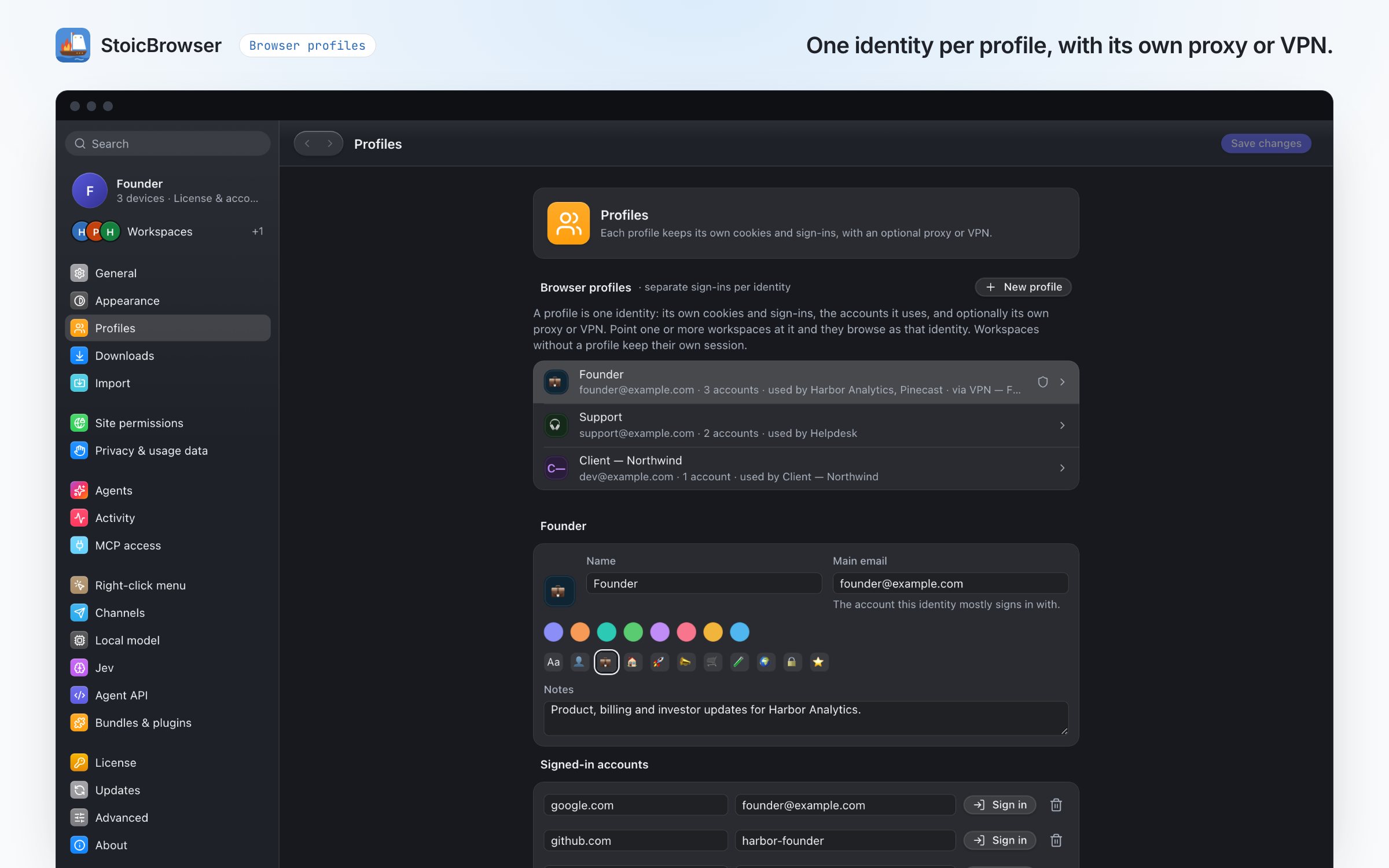
Settings → Profiles in Stoic Browser 1.8.0, the real components with sample data.
Is "This browser or app may not be secure" a virus warning?
No. It is Google declining to show its sign-in page in that browser. Your account and your computer are not affected, and the message goes away in a regular browser.
Why does it happen in Selenium, Puppeteer or Playwright?
Google refuses sign-in in browsers that automation frameworks control. The usual workaround is to sign in by hand once and reuse that saved session, or to use the service's API instead of its web page.
Does Google sign-in work in Stoic Browser?
Yes, since 1.0. Stoic Browser uses the system's engine, WebKit on macOS and WebView2 on Windows, instead of a bundled one, and Google's sign-in opens normally in every workspace.
Can an AI agent sign in to Google for me?
Not in Stoic Browser. When a run reaches a sign-in page, it pauses and asks you to sign in. The agent carries on in the signed-in session and never sees the password.
Free for 2 workspaces. No account needed. macOS and Windows.