Free
Included on Free.
FeaturesSaved logins
Workspaces and sign-ins · New in 1.1.0
When a page has a login form, Stoic Browser fills the saved login for that exact site, including forms that appear after the page loads. Passwords are kept in the macOS Keychain or the Windows Credential Manager, not in the app's database.
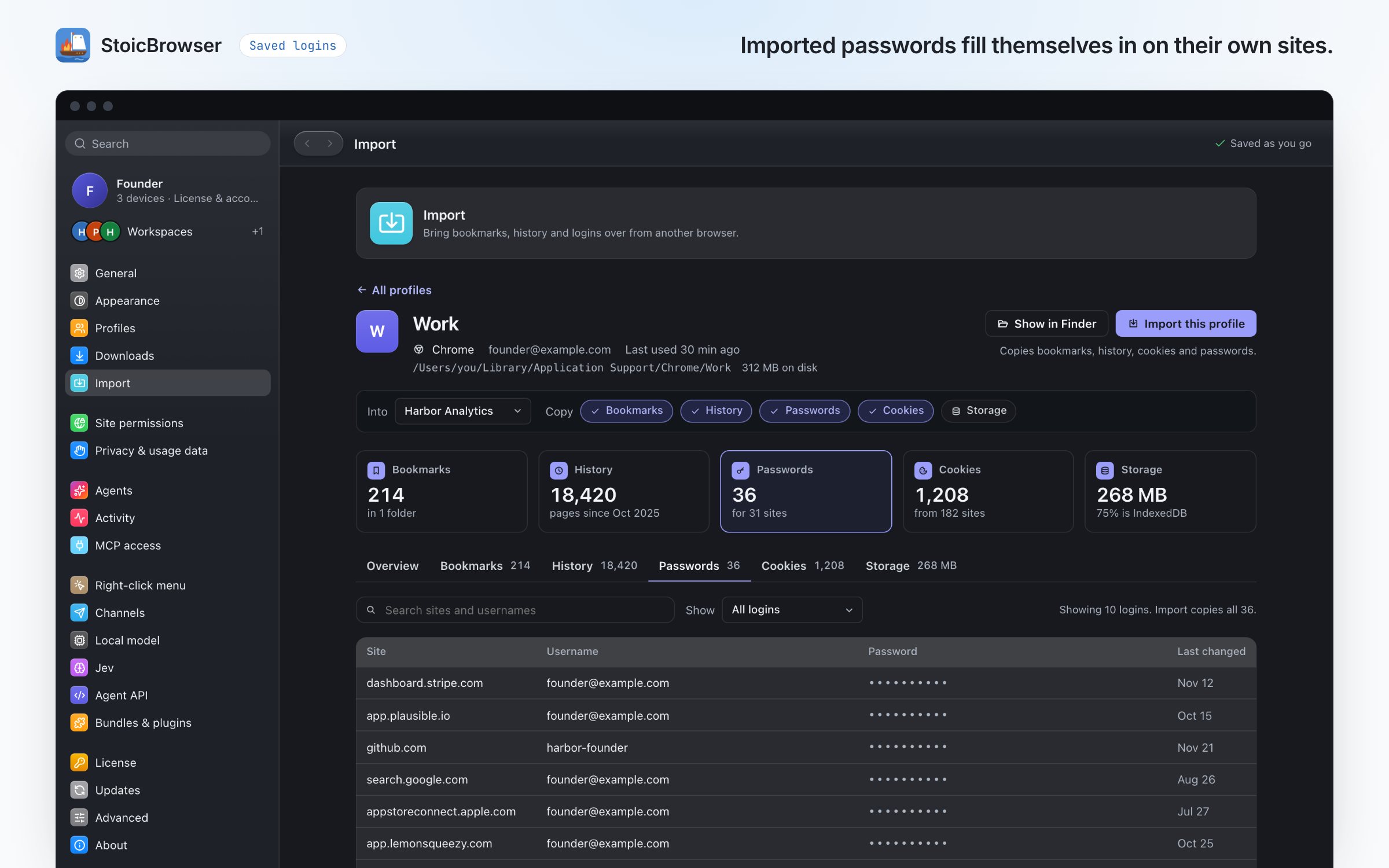
A login fills only when the page's origin matches the saved one exactly, and only in the top frame, so it never leaves its site.
Pages that draw the login form after they load still get filled.
When a site has several saved logins, the one you used most recently fills first, the same one your old browser picked when you imported it.
Right-click the page and pick from Fill Saved Login. Your pick becomes the default for that site.
Each password lives in the macOS Keychain or the Windows Credential Manager. The app's own database keeps only the site and user name.
Included on Free.
The same on Pro.
Passwords are stored in the macOS Keychain.
Passwords are stored in the Windows Credential Manager. Works the same as on a Mac.
Something missing? Write to hello@stoicsoft.com.
In your operating system's credential store: the macOS Keychain or the Windows Credential Manager. Stoic Browser's own database keeps only which site and user name each login belongs to.
No. Saved logins are the ones you import from Chrome, Brave, Edge or Arc. A password you type on a site isn't offered for saving.
No tool gives an agent your passwords. When a site asks an agent to sign in, the run pauses and hands the sign-in to you.
Free for 2 workspaces. No account needed. macOS and Windows.
Download Stoic Browser