Free
Included.
FeaturesTelegram channel
From outside the window
Connect your own Telegram bot, pair your phone with a code from the app, and send tasks as messages. Stoic Browser runs them with your default agent and replies in the chat, and it can send scheduled results there too.
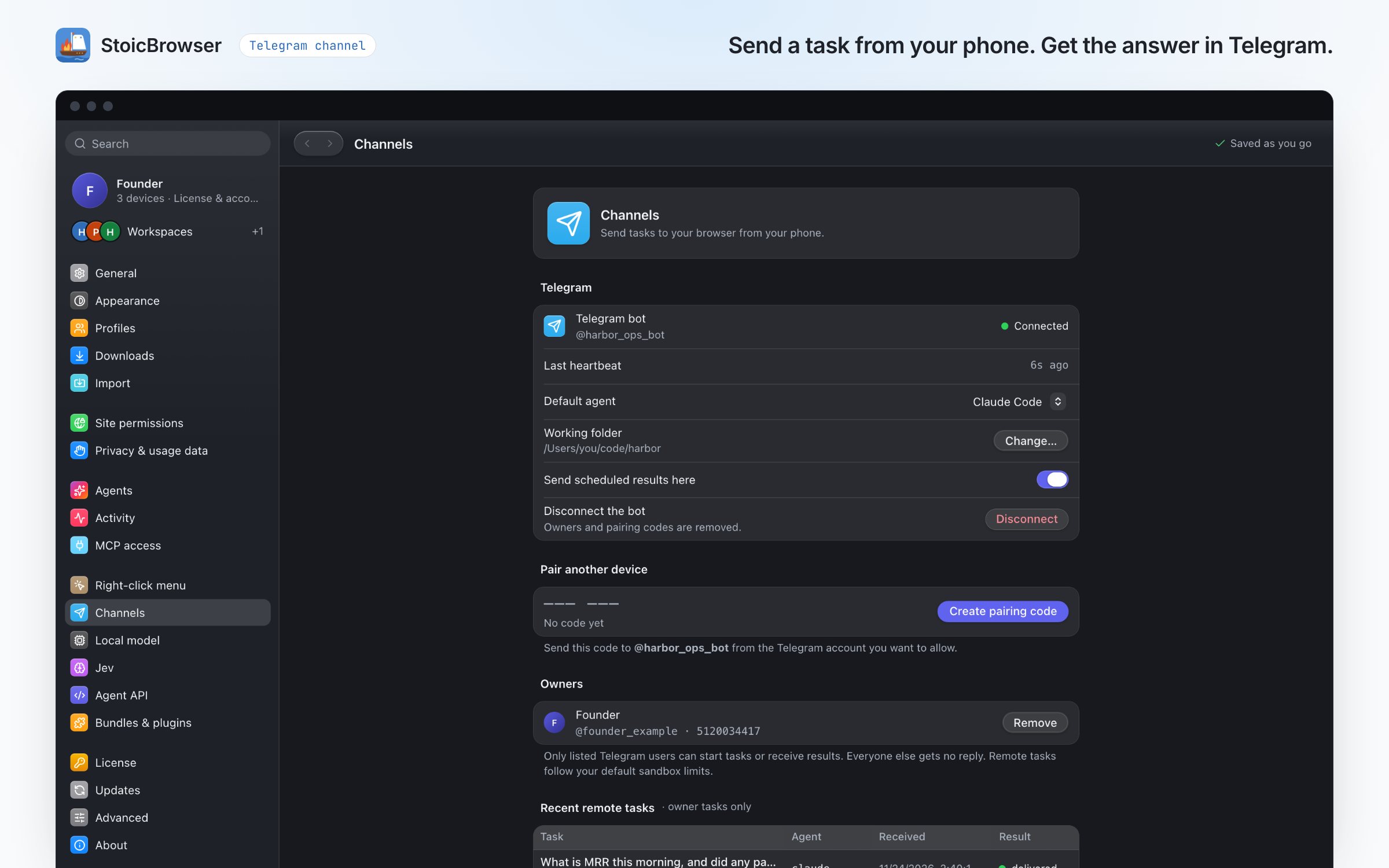
Create a bot with @BotFather and paste its token. It is encrypted with your system keychain and never shown again.
A pairing code from the app is valid for five minutes. Knowing the bot's name is not enough to use it.
Only paired owners can start tasks or receive results. Everyone else gets no reply.
Send a task as a message and the default agent runs it. /status shows what is running.
Turn on Send scheduled results here to get scheduled runs in the chat.
/start and /help: what the bot does/status: tasks running now/pair 123 456, or just the code: pair this Telegram accountIncluded.
Included.
Works on macOS 14 or later while the app, or headless mode, is running.
Works on Windows 10 and 11 while the app, or headless mode, is running.
Something missing? Write to hello@stoicsoft.com.
No. Only Telegram users you paired with a code from the app can start tasks or receive results. Everyone else gets no reply, and repeated wrong codes are refused.
Yes. The tasks run in Stoic Browser on your computer. Headless mode keeps it running with no window open.
Not today. The bot reads text messages only.
Free for 2 workspaces. No account needed. macOS and Windows.
Download Stoic Browser