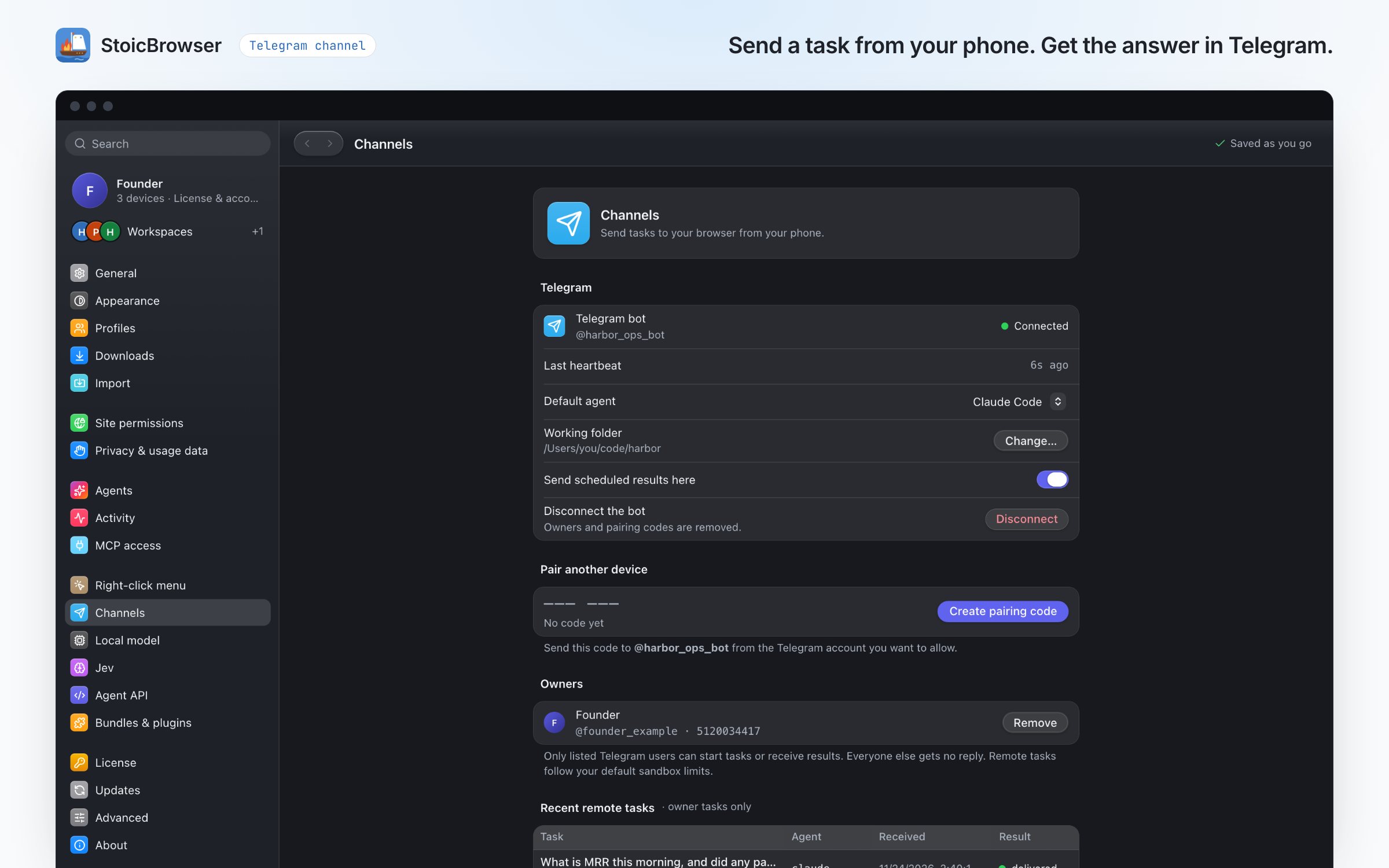
Stoic Browser has a Telegram channel. You connect your own bot, pair your phone with a code, and send a task as a message. A coding agent runs it on your computer with browser tools in the chosen workspace, and the answer comes back in the chat.
- Create a bot with @BotFather, paste its token, then send the bot a six-digit pairing code from the app. Only paired accounts can start work, and the token stays in the system keychain.
- Text messages in a private chat. /status shows what is running, and at most two tasks run at once.
- Pick the default agent and a working folder. Turn on Deliver scheduled results to get scheduled prompts' answers in the chat too.
- If a site wants a password mid-task, the task stops and waits for you to sign in at the computer.