Free
Included on Free.
FeaturesLocal models
Agents in the browser
Point Stoic Browser at an OpenAI-compatible server on this computer or your local network, such as Ollama, LM Studio or llama.cpp, and pick Local model in the chat. It gets the same browser tools as the CLIs that support them, and prompts don't leave your network.
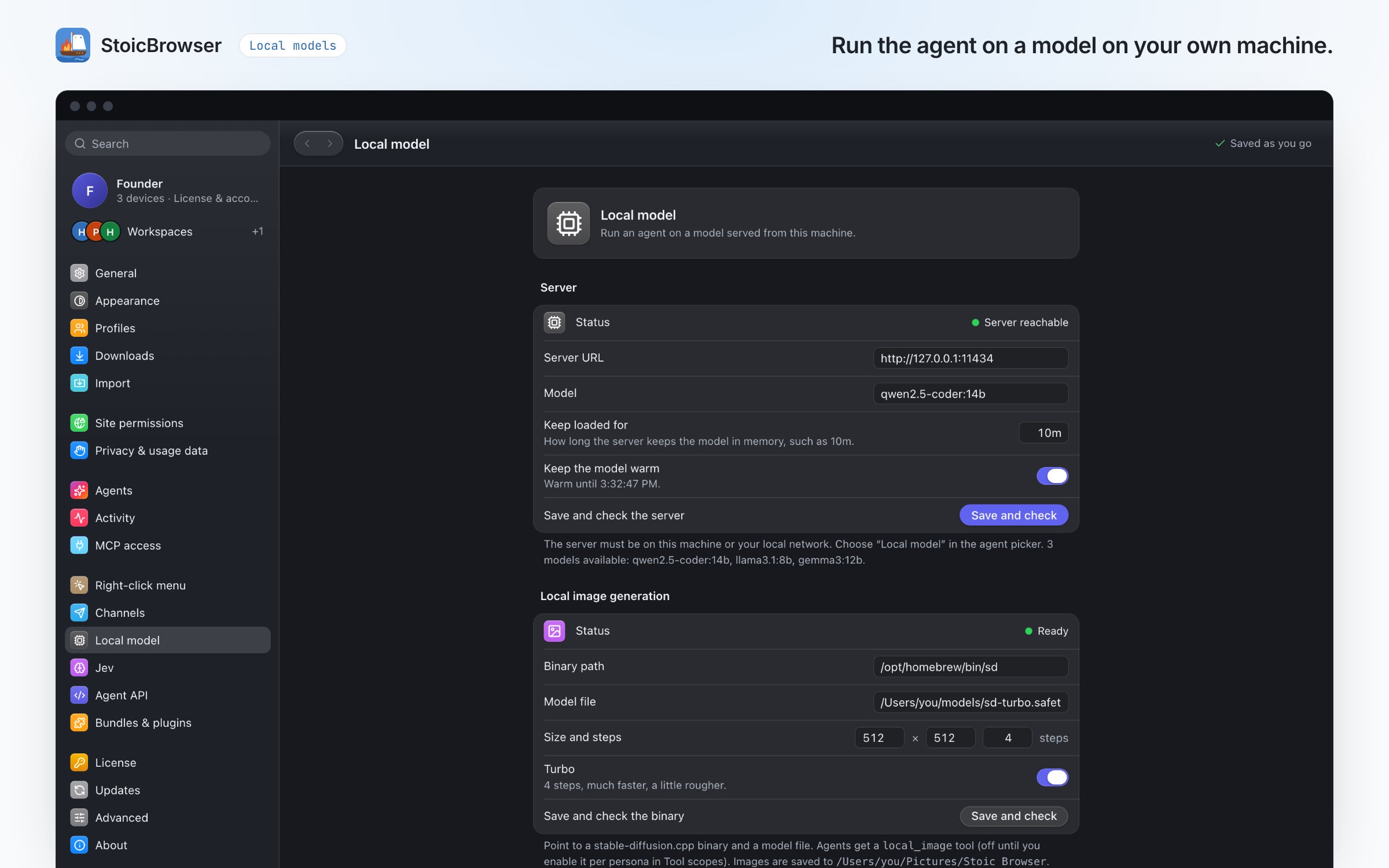
Ollama, LM Studio, llama.cpp or another server that speaks the OpenAI API. The default address is Ollama's, http://127.0.0.1:11434.
Only servers on this computer or a private network address are accepted, so a prompt can't go out by accident.
The local model can read and act on pages in the workspace, inside the same agent permissions as the CLIs.
Shorter tool descriptions and page observations, for small models with short context windows.
Optionally ping the server after a run so the model stays loaded and the next reply starts faster.
Point it at a stable-diffusion.cpp binary and a model file, and agents get a local_image tool that's off until you turn it on per persona.
Server URLModelKeep loaded for (Ollama keep_alive, such as 10m)Keep the model warmLocal image generationIncluded on Free.
The same on Pro.
Works with any local server you run on the Mac or your network.
Works the same as on a Mac.
Something missing? Write to hello@stoicsoft.com.
Yes. Ollama's address is the default. Enter the model name, choose Save and check, then pick Local model in the agent chat.
Not with Local model. Only servers on this computer or your private network are accepted, so prompts stay there.
Yes. Local models get browser tools, inside the same agent permissions as the CLIs. Turn on compact mode for small models.
Free for 2 workspaces. No account needed. macOS and Windows.
Download Stoic Browser